Your own space
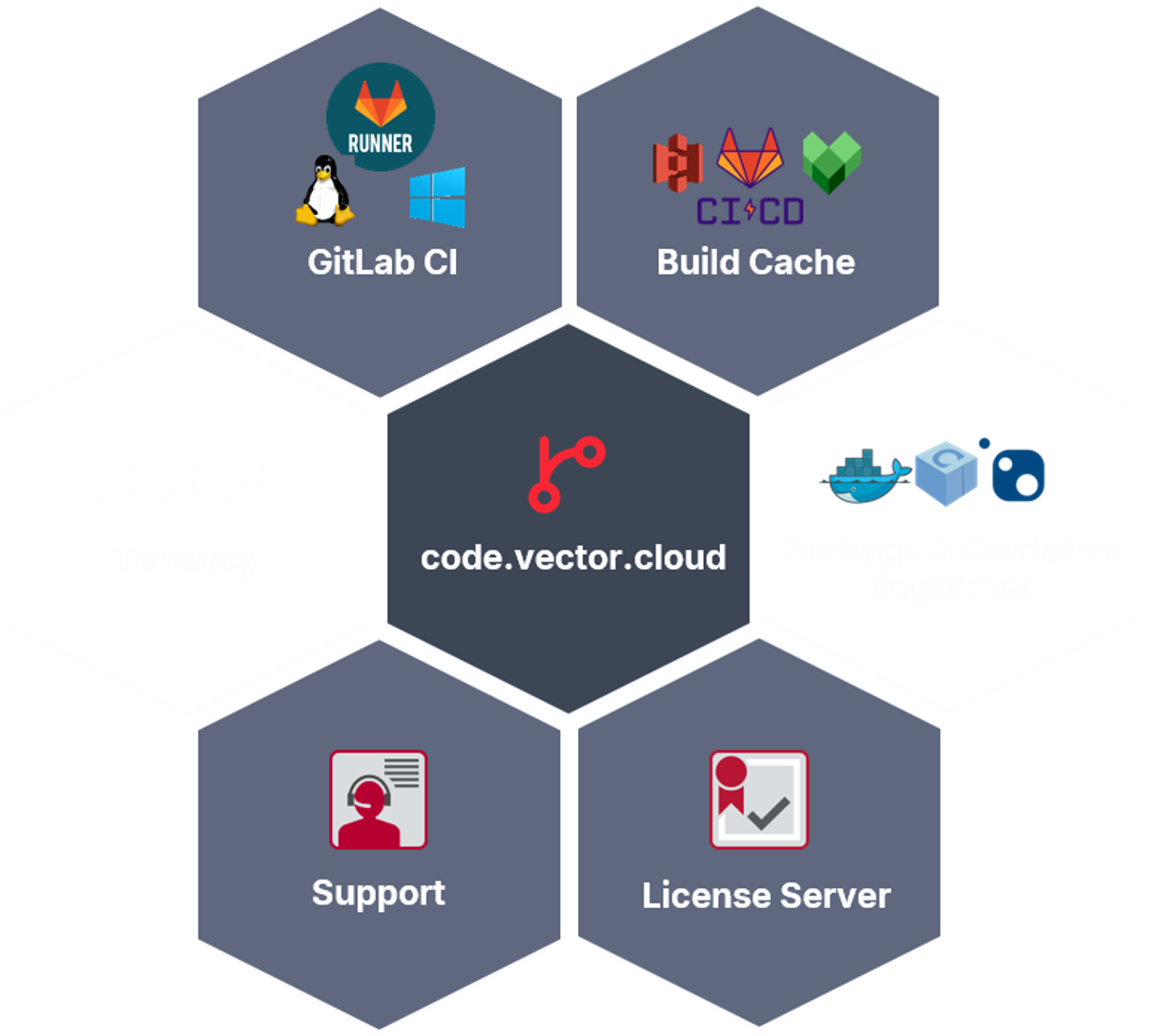
One top-level group for your organization, with your teams and your projects inside it.
How your group is laid out
Pipelines out of the box
Exclusive Linux and Windows runners for your organization, package and container registries, and optional build caches.
Runners and caches
Licenses for your pipelines
Preconfigured license server. Reuse your purchased Vector licenses; third-party licenses need to be brought by you.
How licensing works
Your first day
From Idea to Production
Four steps and your first day is spent on your code, not on setting up a CI/CD platform.
- Get accessStep 1Your Vector contact requests your account, you get a Vector ID.
- Sign inStep 2Vector ID, multi-factor authentication and the Terms of Use.
- Connect GitStep 3An SSH key or an access token. There is no password login.
- BuildStep 4Clone, push a branch and watch your first pipeline run.